The Mobot Platform
Automate the unautomatable, end to end
Four layers that take a mobile app from generated test case to validated release — executed by robots on real iOS and Android devices, not emulators, and verified by QA analysts before anything reaches your team.

How it works
Four layers, one platform
From test authoring to validated release, each layer hands off to the next.
AI explores your app builds and generates Mobot test cases for the flows that matter, then validates and optimizes each one for coverage and stability before it reaches the fleet.
Manages test suites and the execution queue — assigning Mobot test cases to robots and devices, tracking every run and robot action, and reporting defects and analytics same-day.
Executes Mobot test cases on physical hardware with minimal manual intervention — computer vision recognizes on-screen UI and drives taps, swipes, and gestures.
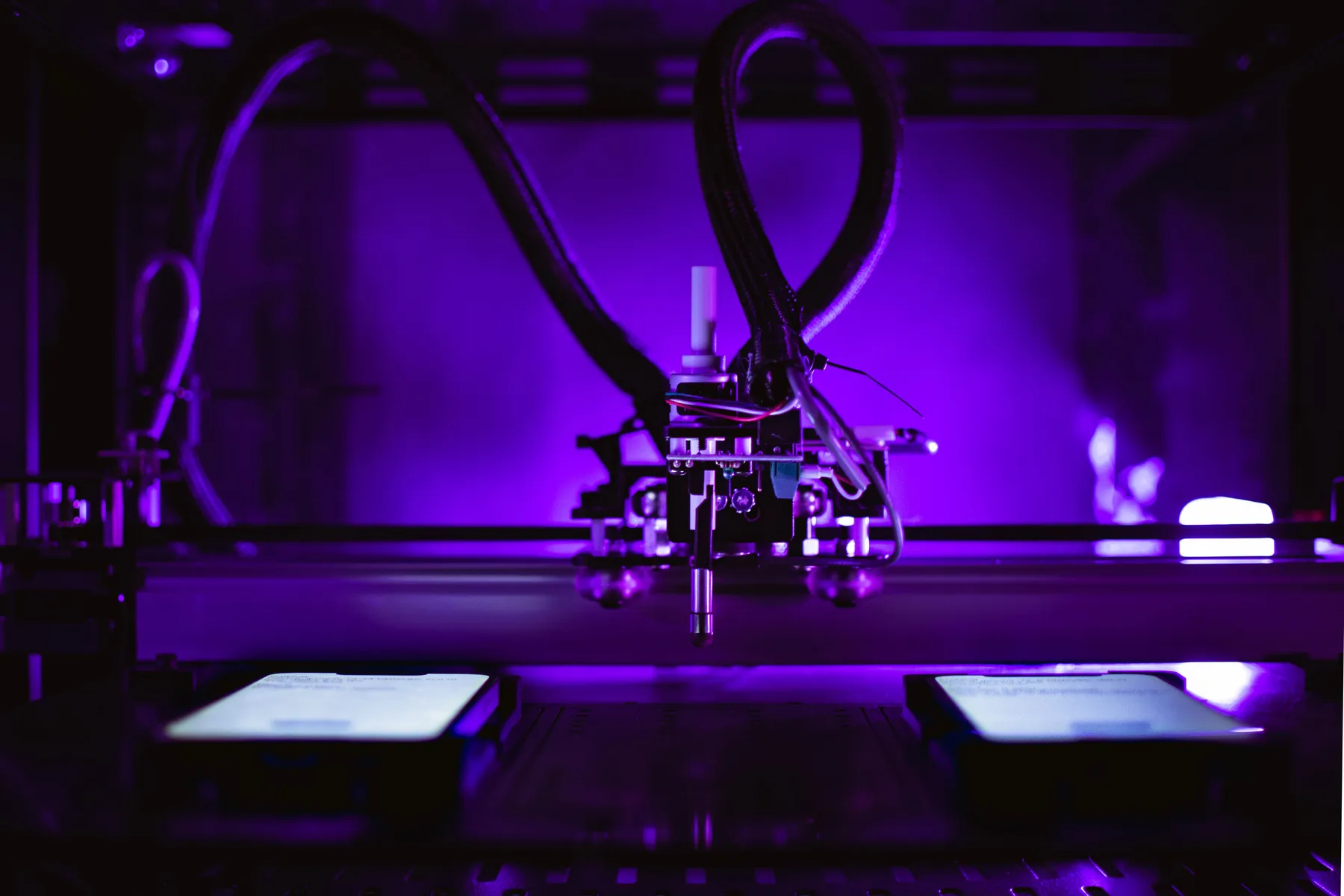
Mechanical robots physically drive real iOS and Android devices the way humans actually use them — up to 3 devices at once for parallel, cross-OS coverage.
Trusted by Leading Mobile Teams











How it works
From build to verified defect. Zero scripts on your side.
Robots, real devices, and expert analysts, run on one platform. Mobot testing robots start testing your app soon after kickoff.
Show us the flow
Record a quick video, share a test plan, or just share the build. AI-assisted authoring does the rest.
Choose devices & OS
Pick the iOS and Android devices and versions that match your users. Change them any time.
Mobot builds the tests
Mobot’s team and Mobot AI build the test cases, then validate and optimize them for coverage and stability — no code on your side.
Robots test in parallel
The fleet executes in parallel on real devices. Every step is captured: screenshots, device and network logs.
Analysts verify results
Side-by-side baseline vs. actual, pass/fail flags, and analyst notes. Noise never reaches your backlog.
Fix and release with confidence
Verified defects land in Slack, Jira, or TestRail with everything an engineer needs to reproduce and fix.
The Robots
Physical actuation, not simulated input
Mobot's robots physically tap glass, present real barcodes to a real camera, and pair with real Bluetooth peripherals. This is not software-injected touch events or mocked sensor data — the inputs are as real as the hardware under test.
Why real devices matter →Coverage that writes itself — and holds up
AI explores your app build and generates Mobot test cases for the flows that matter: onboarding, login, payments, notifications, and the hardware-dependent flows that never make it into a scripted suite. Each test case is validated and optimized for coverage and stability before it reaches the fleet.
- Mobot test cases generated from your build — no code, no YAML, no recorder
- Validation pass catches ambiguous steps before a robot ever runs them
- Coverage optimization prioritizes the suites that reach production broken
// checkout.spec.js
const btn = await driver.$(
  '//XCUIElementTypeButton[@name="Continue"]'
);
await btn.waitForDisplayed({ timeout: 8000 });
await btn.click();

✖ NoSuchElementError: element not found
  after design system update renamed
  "Continue" → "Next step"
The robot reads the screen like a person: a primary button, bottom of the checkout flow, with continue-style copy. Most UI changes don't break the test, and when a flow genuinely changes, Mobot updates the test case for you. The robot taps it on real glass and verifies what happens next.
Orchestration, defects, and analytics in one place
Suites are assigned to robots and devices, queued and scheduled around your release calendar, and tracked action by action. When a run finishes, verified defects and analytics are reported into the Mobot platform and the tools your team already lives in.
- Suite management and queue scheduling across the fleet
- Side-by-side baseline vs. actual screenshots for every step
- Defect patterns across devices, OS versions, and builds
- Slack, Jira, and TestRail integrations
Promo deep link opens the home screen instead of the promotion
After tapping the “Holiday 20% off” push notification, the app launches but resolves the deep link to the home tab. Reproduced on 3 of 3 attempts. Not reproducible when the app is already in the foreground.
- 1Launch app from cold start
- 2Tap promo push notification
- 3Deep link resolves to promo screen
- 4Add promoted item to cart
promo_idparameter on cold start. Attached device log shows the handoff at 00:04.2.Computer vision executes the test on real hardware
The AI Driver looks at the screen the way a person does. It recognizes on-screen UI — buttons, fields, dialogs, system prompts — and drives the robot to tap, swipe, and gesture with minimal manual intervention. Tests that update as your app changes, maintained by Mobot, so a redesign doesn’t turn into a repair sprint for your team.
- CV-driven interaction: reads the rendered screen, not the view hierarchy
- Robotic execution with human intervention only where the OS demands a person
- Consistent, identical execution on every run, on every device
Real devices, real gestures, in parallel
Mechanical robots physically drive real iOS and Android devices the way humans actually use them. Each robot handles up to three devices at once for parallel, cross-OS coverage — and because the input is a real tap on real glass, the digitizer, radios, camera, and secure enclave are all in play.
- 300+ real iOS and Android phones and tablets, current and legacy OS versions
- Up to 3 devices per robot for multi-device and cross-platform scenarios
- Physical, not emulated: push, Bluetooth, biometrics, camera, carrier networks
Agentic testing
Mobot in the Agentic Software Factory
How coding agents, Mobot AI and Mobot testing robots on real devices fit together in the Agentic Testing Protocol, from test request to verified fix.
Client
Agents and tools
- Coding agents
- CI/CD pipeline
- Jira / Linear
Agent interface
Agent gateway
- MCP Server (read-only)
- Test Intent Schema
- Agentic Testing Protocol
Test intelligence
Mobot AI
- Test Planning and Coverage Selection
- Test Case Generation
- Tests that update as your app changes
- Mobot AI Model
Robot fleet
Real devices, real robots
- On Demand Robot Reservations
- Automated Device Reset and Provisioning
- Device Configuration Profiles
- Mobot testing robots
Results to client agents
- Human QA validation
- Structured defect reports
- Jira / Linear ticket sync
- Agent verification re-test
Logs and exhaustive defect forensics
An architecture model, not a feature list. Available to agents today: read-only access through Mobot’s MCP server to test reports, test cases, observations, and device and network logs where captured.
The protocol
The Agentic Testing Protocol lifecycle
The Agentic Testing Protocol describes how an agent hands a test run to Mobot and gets results back, stage by stage.
Stage 1: Discover
In the protocol, the agent sees which real devices and OS versions are available.
Stage 2: Reserve
In the protocol, the agent books device time or joins the queue.
Stage 3: Provision
In the protocol, the build is handed off, and the device is wiped, configured and the app installed.
Stage 4: Direct
In the protocol, the agent states the objectives, scope and acceptance criteria.
Stage 5: Execute
In the protocol, a Mobot testing robot and an operator run the test while the agent follows progress.
Stage 6: Report
In the protocol, results and structured defect reports come back to the agent.
Stage 7: Verify
In the protocol, Mobot re-tests the specific defect on the new build.
New build? The loop starts again at Discover or Direct.
What agents can do today
Through Mobot’s MCP server, agents get read-only access to test reports, test cases, observations (defects and issues), and device and network logs where captured.
Device booking, provisioning, directing runs and re-tests are what the Agentic Testing Protocol is built toward.
Architecture
Layer by layer
1 · Client
Agents and tools
Coding agents, your CI/CD pipeline and Jira / Linear are the clients. In the protocol, agents send test work to Mobot, read results back, and tickets sync with Jira / Linear.
- Coding agents
- CI/CD pipeline
- Jira / Linear
2 · Agent interface
Agent gateway
Agents connect to Mobot through the agent gateway. The MCP server gives agents read-only access to test reports, test cases, observations, and device and network logs where captured. In the protocol, a Test Intent Schema describes what to test, and the Agentic Testing Protocol hands it to Mobot.
- MCP Server (read-only)
- Test Intent Schema
- Agentic Testing Protocol
3 · Test intelligence
Mobot AI
Mobot AI covers test planning and coverage selection, test case generation, and tests that update as your app changes, on the Mobot AI Model.
- Test Planning and Coverage Selection
- Test Case Generation
- Tests that update as your app changes
- Mobot AI Model
4 · Robot fleet
Real devices, real robots
Mobot testing robots run tests on real devices. In the protocol, agents reserve robot time on demand, with automated device reset and provisioning and device configuration profiles.
- On Demand Robot Reservations
- Automated Device Reset and Provisioning
- Device Configuration Profiles
- Mobot testing robots
5 · Results to client agents
Results back to your agents
In the protocol, test reports, structured defect reports and logs (where captured), human QA validation status, Jira / Linear ticket sync and agent verification re-tests flow back to agents.
- Human QA validation
- Structured defect reports
- Jira / Linear ticket sync
- Agent verification re-test
- Logs and exhaustive defect forensics
Human in the loop
Robot tested. Human verified.
Automation finds candidates. QA analysts decide what is real. Every failure is reviewed before it reaches you, so a red result is never something your engineers have to chase down first.
Every failure triaged
A QA analyst reviews each failed step, reproduces it, and attaches notes before it is reported.
Noise stops at the analyst
A renamed button or a copy change is flagged once, decided with you, and never reported as a bug again.
Robots do the boring part
Robots run the regression identically every time — what reaches your backlog is a real, reproducible defect.
Onshore and offshore operations keep testing moving across time zones, so verified results come back without waiting on your team.
See the platform on your app
Point us at a build. AI-assisted authoring proposes coverage, the fleet runs it on real devices, and you review verified results.